What a custom Odoo dashboard costs (and when you don't need one)
Three ways to get the numbers out of Odoo and onto one screen, what each costs, and the single question that tells you which one you need.

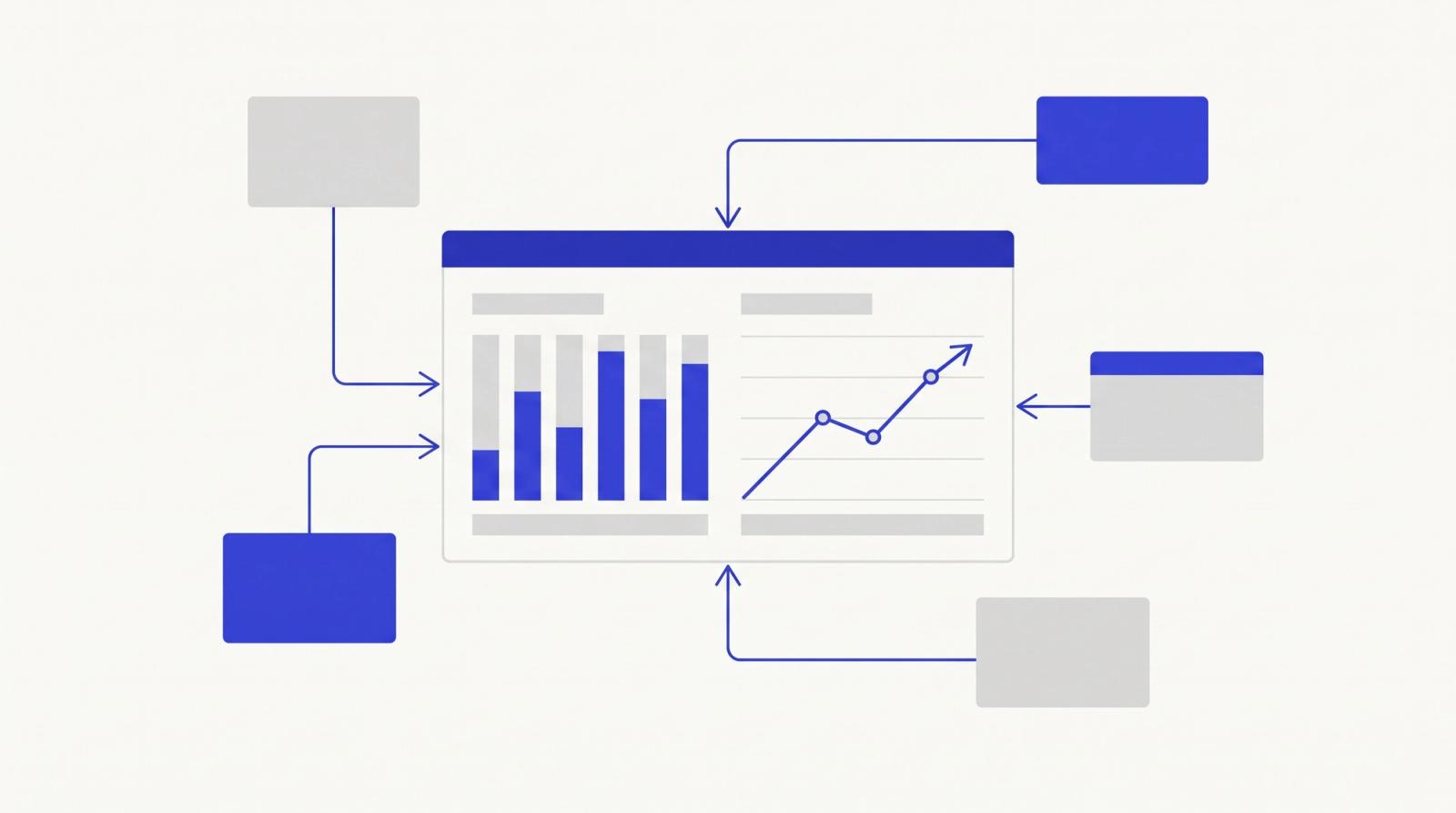
The most common thing we hear from owners running Odoo is not that it is missing a feature. It is that the number they want on a Monday morning is somewhere inside Odoo and nobody can get it out without an hour in Excel.
Margin by product line across sales and manufacturing. Jobs that have been in the same stage for more than five days. Cash collected against invoiced, by customer, this month. Odoo has every one of those numbers. It just does not have a screen that shows them together, the way the person running the business thinks about them.
This post is about the three ways to fix that, what each one costs, and the one question that tells you which you need.
Why Odoo's built-in reporting runs out
Odoo's reporting is organised by module. Sales has its pivot and graph views, Inventory has its own, Manufacturing has its own. Inside a module they are good. The moment the question crosses modules, you are exporting two lists and joining them by hand.
Three other things push people into the Excel loop:
- Custom fields. Every implementation adds fields, and most of them never make it into a saved report view.
- Permissions. The owner wants the whole picture; the office manager should see one branch; a customer should see only their own jobs. Odoo's standard views are not built to render the same data three different ways.
- Time. Pivot views answer "what is it now". Owners usually want "how has it moved since last month", which means a snapshot somebody has to remember to take.
If your team has a shared spreadsheet called something like "Weekly numbers" that someone rebuilds from Odoo exports, you are already paying for a dashboard. You are just paying in hours.
Option 1: Odoo Spreadsheet and Studio (configuration, not code)
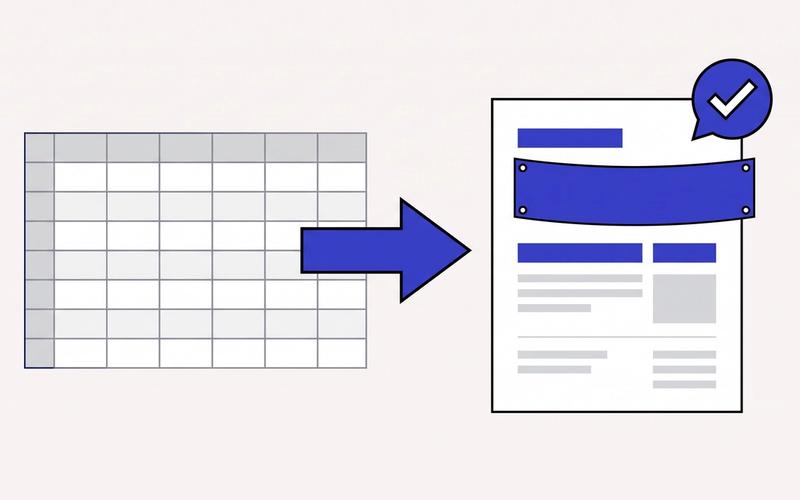
Odoo 16 and later include Odoo Spreadsheet, which can pull live pivot data from any module into a spreadsheet that lives inside Odoo. Odoo Studio (a paid add-on on Enterprise) lets you add fields, views and simple reports without a developer.
- Good for: one-module questions, a weekly sales or stock sheet, replacing the manual export.
- Limits: cross-module joins are clumsy, there is no role-specific layout, and the result still looks and behaves like a spreadsheet.
- Cost: the Studio licence plus one to three days of configuration, whether you do it in-house or have someone do it for you.
Start here if the complaint is "I have to export this every Monday". Many Odoo customers never need more.
Option 2: a BI tool on top of the Odoo database
Metabase, Power BI or Looker Studio connected to Odoo's PostgreSQL database. You get real cross-module reporting, saved questions, scheduled email snapshots, and charts that update themselves.
- Good for: owners and finance who want a weekly or monthly management pack across sales, operations and cash.
- Limits: this is read-only. Nobody can act on what they see (approve a job, reassign a task) from the dashboard. It also needs database access, which Odoo Online (the SaaS edition) does not give you. You need Odoo.sh or a self-hosted instance, and ideally a read replica so reports do not slow the live system.
- Cost: a few days of setup, most of it modelling the Odoo tables (which are not friendly to read raw) and building the first set of dashboards. Metabase is free to self-host; Power BI and Looker Studio have their own licensing.
Option 3: a custom dashboard app on Odoo's API
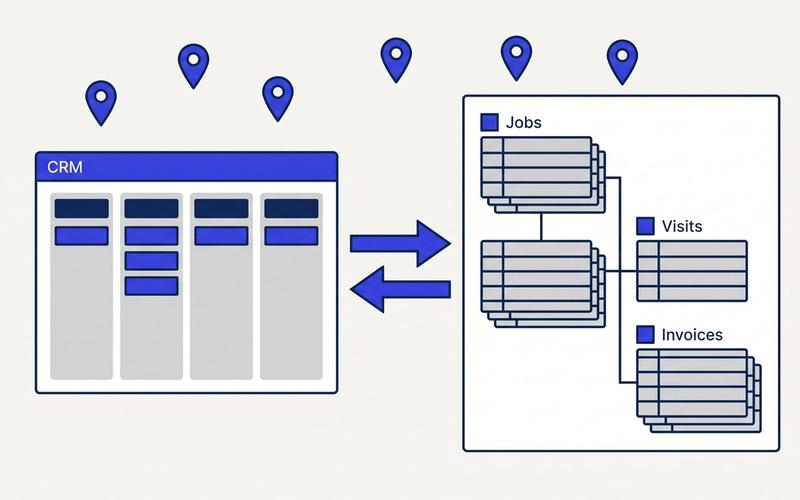
A small web app that talks to Odoo over its JSON-RPC API, reads exactly the records it needs, and renders them per role: an owner view, an office view, a customer portal. It can also write back, so "approve", "reassign" or "send reminder" buttons work from the dashboard. And it works on Odoo Online, because the API is available on every edition.
- Good for: multi-role businesses, anything that needs to combine Odoo data with something outside it (a job-tracking app, bank feeds, a quoting tool), and anything where people need to take action, not just look.
- Limits: it is a piece of software you own, so someone has to maintain it when Odoo upgrades. Scope it tight.
- Cost: we price these as a fixed build for one well-defined set of views, delivered in two to four weeks.
What actually drives the price
Across all three options the cost moves on the same four things:
- How many custom fields and models your implementation added. A vanilla Odoo is quick to read. One with 40 custom fields across three modules takes a day just to map.
- Multi-company or multi-branch. Every number now has a dimension.
- How clean the data is. Dashboards expose bad data instantly. Half the first week on most projects is agreeing what "a completed job" means.
- Whether people need to act from the screen. Read-only is cheap. Write-back doubles the testing.
The one question that decides it
Ask: does anyone need to click a button on this dashboard, or only look at it?
If they only need to look, and you are on Odoo.sh or self-hosted, a BI tool (option 2) is the best value by a distance. If you are on Odoo Online, or the dashboard needs to drive actions, or different roles need different screens, you are in option 3 territory. If the question is really "stop me exporting every Monday", option 1 is enough.
How we scope it
We start with a Process Audit: a two-hour working session where we walk through the reports your team builds by hand today, trace where each number lives in Odoo, and write up the option that fits with a fixed quote. The audit is a fixed fee, credited against the build if you go ahead.
If you are rebuilding the same spreadsheet from Odoo every week, that is the first thing to send us.